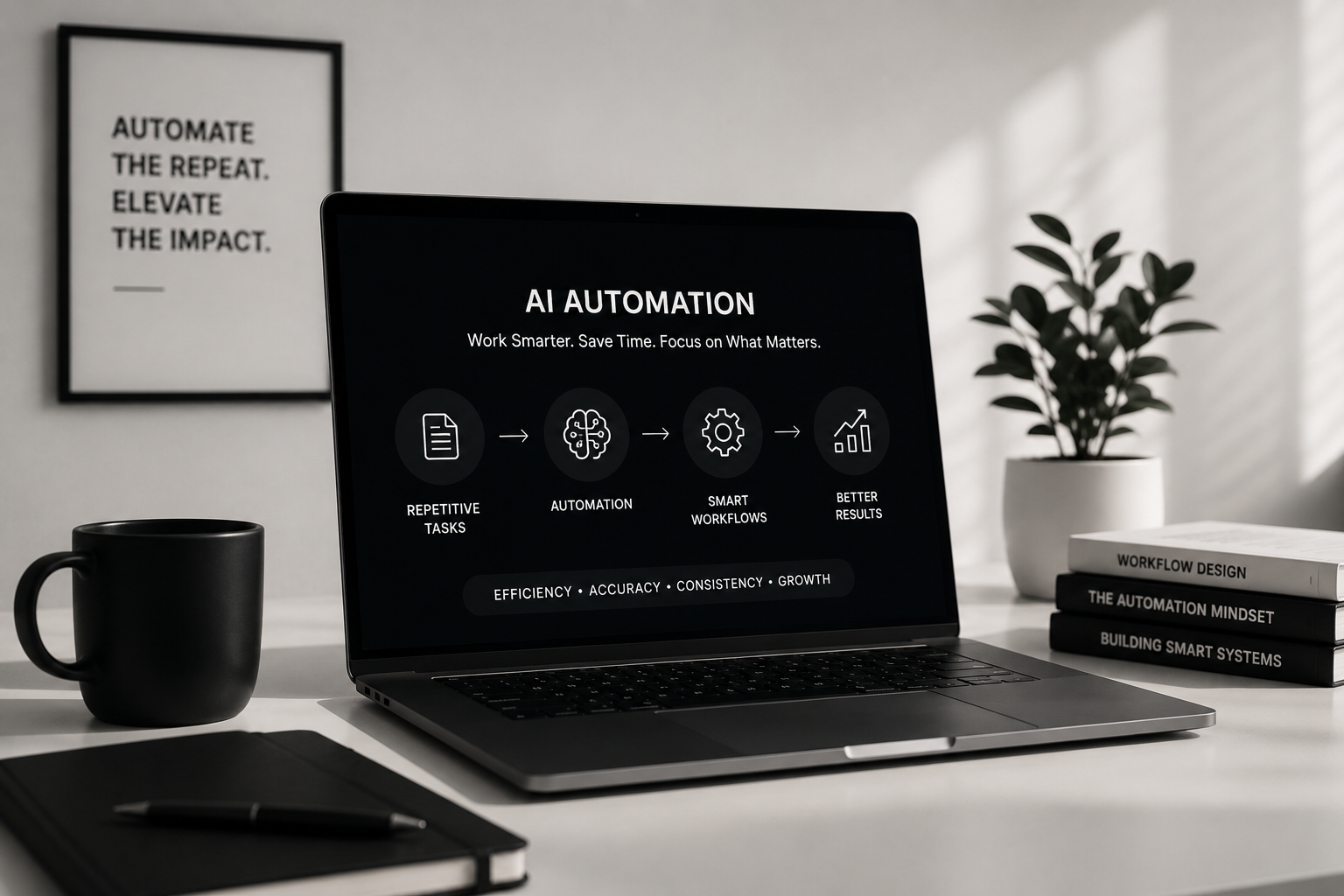
Turning Repetitive Work Into Smarter Workflows
Every business has repetitive work.
Someone copies information from one system to another. A team member manually sends the same follow-up message. Leads need to be assigned. Reports need to be prepared. Data needs to be categorized. Reminders need to be created.
Each task might only take a few minutes.
But repeat it dozens—or thousands—of times, and those minutes become hours of work that could have been spent on something more valuable.
This is where automation has always been useful.
AI takes that idea much further.
Traditional automation is excellent at following predefined rules. AI can help systems understand information, recognize patterns, generate content, summarize data, and make workflows more adaptive.
Used together, they create something much more valuable than a collection of AI features:
A smarter way of working.
01. Automation Should Start With Friction
When I think about automation, I don’t start by asking:
“Where can we add AI?”
I start with:
“Where are people repeatedly losing time?”
That distinction matters.
AI is exciting technology, but technology alone doesn’t improve a workflow. It needs to solve an actual problem.
Look at the repeated tasks inside almost any business:
A new lead arrives.
Someone checks the information.
They enter it into a CRM.
They assign it to the right person.
They create a follow-up task.
They send a confirmation.
Later, someone updates the status.
Then the same information appears in a report.
None of these actions are particularly difficult.
The problem is repetition.
If a system can reliably handle several of those steps automatically, the team gets something extremely valuable back:
time.
02. Traditional Automation and AI Are Different
Automation and AI are often discussed as though they are the same thing.
They aren’t.
Traditional automation usually works through clear rules.
If this happens → do that.
For example:
If a lead submits a form → create a CRM record.
If an appointment is scheduled → send confirmation.
If a task becomes overdue → notify the assigned user.
If a payment succeeds → generate a receipt.
These workflows are predictable, which makes traditional automation incredibly reliable.
AI becomes useful when the input isn’t as predictable.
Instead of simply moving information, AI can help interpret it.
For example:
A customer writes a long message → AI summarizes the request.
A lead submits a description → AI categorizes the project.
A sales conversation finishes → AI identifies important points.
A company has thousands of records → AI helps surface useful patterns.
The most powerful systems often combine both.
Automation handles the process. AI helps understand the information inside the process.
03. The Best Automation Is Almost Invisible
Good automation shouldn’t create more work.
It shouldn’t require employees to constantly check whether it worked or force them through complicated new processes.
Ideally, it operates quietly in the background.
Imagine a potential customer submits an inquiry.
The system could automatically:
Validate the information.
Check for duplicate records.
Create or update the lead.
Identify the service they’re interested in.
Assign the correct sales representative.
Create a follow-up task.
Send a personalized confirmation.
Notify the appropriate team member.
Record the entire activity.
The employee opens the system and everything is already organized.
That is what good automation feels like.
Not impressive because it is complicated.
Impressive because the complexity disappears.
04. AI Can Turn Unstructured Information Into Useful Data
Businesses generate enormous amounts of information that doesn’t naturally fit into neat database fields.
Emails.
Messages.
Call notes.
Documents.
Customer requests.
Support conversations.
Meeting notes.
Traditionally, someone has to read that information and manually decide what it means.
AI can help transform that unstructured information into something systems can work with.
For example, imagine a customer sends:
“We’re thinking about remodeling our kitchen and possibly opening the wall into the living room. We’d like to get an estimate sometime next month.”
A smart system could potentially identify:
Project type: Kitchen Remodeling
Additional interest: Structural modification
Intent: Estimate request
Timeline: Next month
That information can then trigger traditional automation.
The CRM can categorize the lead, assign it correctly, create a task, and notify someone.
This combination is where AI becomes particularly powerful.
05. Smarter Lead Management
Lead management is one area where automation can create an immediate difference.
Businesses often receive inquiries from multiple sources:
Website forms.
Phone calls.
Advertising platforms.
Social media.
Email.
Referral partners.
Third-party marketplaces.
Without a structured system, information becomes fragmented.
A smarter workflow can bring everything into one place.
When a lead arrives, automation can standardize contact information, check for duplicates, identify the source, categorize the inquiry, assign ownership, and schedule follow-up actions.
AI can add another layer by helping understand the lead’s message or potentially prioritizing inquiries based on useful signals.
The goal isn’t to remove people from sales.
It is to make sure salespeople spend less time organizing information and more time communicating with customers.
06. Communication Can Become More Contextual
Automation has been used for email and messaging for years.
But traditional automated messages often feel automated.
They are generic because the system doesn’t understand much about the person receiving them.
AI makes it possible to create more contextual communication.
Suppose two people submit inquiries.
One wants a complete home remodel.
Another wants a bathroom renovation.
Both might need confirmation, but the most useful response isn’t necessarily identical.
A smart workflow can use information already provided by the customer to help create communication that feels more relevant.
The important part is maintaining control.
Not every message should be generated and sent without review.
The right level of automation depends on the situation.
Sometimes fully automatic communication makes sense.
Sometimes AI should prepare a draft for a person to review.
Good automation isn’t about removing humans from every process.
It’s about deciding where human attention matters most.
07. AI Can Help Make Information Easier to Understand
Businesses often have plenty of data but very little time to interpret it.
Imagine opening a dashboard containing hundreds of activities, calls, messages, tasks, and status changes.
The information exists.
But finding what matters can still take time.
AI can help summarize that complexity.
Instead of reading twenty activity records, someone might see:
Lead contacted three times this week. Interested in kitchen remodeling. Requested pricing information. Follow-up expected Friday.
The underlying records remain available.
AI simply creates another way to understand them.
This can be useful across CRM systems, customer support platforms, project management tools, reporting systems, and internal business software.
AI doesn’t necessarily replace the data.
It can make the data easier to use.
08. Automation Creates Consistency
People forget things.
That isn’t criticism. It is simply reality.
When teams are busy, small administrative tasks are easy to miss.
A follow-up isn’t created.
A status isn’t updated.
A customer doesn’t receive confirmation.
Someone forgets to notify another department.
Automation can create consistency around these processes.
If a particular event should always trigger another action, software can enforce that relationship.
For example:
Appointment created → confirmation sent
Project completed → review request scheduled
Lead inactive for seven days → follow-up task created
Status changed → activity automatically recorded
The workflow no longer depends entirely on someone remembering every step.
That makes operations more predictable.
09. Automation Can Connect Separate Systems
Businesses rarely operate using one piece of software.
There may be a website, CRM, calendar, email platform, accounting software, communication tools, advertising platforms, analytics systems, and internal applications.
A significant amount of repetitive work exists simply because these systems don’t naturally communicate.
Someone becomes the connection.
They download information from one platform.
Copy it.
Format it.
Upload it somewhere else.
Update another system.
Then notify someone.
Automation can replace many of those manual bridges.
Website → CRM → Calendar → Communication → Reporting
Instead of isolated applications, the business begins operating as a connected system.
This is often where automation creates some of its biggest efficiency gains.
10. Not Everything Should Be Automated
It is easy to become overly enthusiastic about automation.
But some things should remain human.
Important negotiations.
Sensitive customer conversations.
Creative decisions.
Complex judgment.
Relationship building.
Situations where context matters more than efficiency.
The goal isn’t to automate every possible task.
The goal is to automate the work that doesn’t require someone’s best attention.
If someone spends an hour copying information between spreadsheets, automation may help.
If someone spends an hour understanding a client’s goals and helping them make an important decision, that human interaction may be extremely valuable.
Technology should support people rather than blindly replace them.
11. Human Review Still Matters
AI systems aren’t perfect.
They can misunderstand information, produce inaccurate responses, or make incorrect assumptions.
That means workflows need to be designed according to risk.
For low-risk actions, automation can often operate independently.
For more important decisions, human approval may be appropriate.
A useful pattern is:
AI prepares → Human reviews → System executes
For example, AI might summarize a customer conversation and suggest a follow-up response.
A salesperson reviews it.
They make any necessary changes.
Then the system sends it.
The employee saves time without giving up control.
That balance is important when building dependable AI-powered systems.
12. Start Small Before Automating Everything
Businesses sometimes imagine automation as one enormous transformation.
It doesn’t need to be.
Some of the most useful automation begins with one annoying repetitive task.
Identify it.
Understand the workflow.
Automate it.
Measure the result.
Then move to the next one.
A simple process might look like:
Observe → Simplify → Automate → Measure → Improve
This approach has another advantage.
It prevents bad processes from being automated.
If a workflow is already unnecessarily complicated, automating it doesn’t necessarily make it good.
Sometimes the first step isn’t automation.
It’s simplification.
13. The Real Value Is Time
It is easy to measure automation in technical terms.
API calls.
Workflows.
Triggers.
AI models.
Integrations.
But those aren’t the outcomes that matter most.
The real questions are:
How many repetitive steps disappeared?
How much faster can the team respond?
How many mistakes were prevented?
How much information is now organized automatically?
How much employee time was returned?
Imagine a task takes five minutes and happens 30 times every day.
That’s 150 minutes.
More than two hours.
Automate most of that process and suddenly the business has recovered hundreds of hours over a year.
Automation becomes powerful through repetition.
Small improvements multiplied by frequency can create enormous results.
14. AI Should Fit Into the Workflow, Not Become the Workflow
I don’t think every product needs to revolve around AI.
Often, the best implementation is much quieter.
AI might exist behind a single feature.
It could classify information.
Summarize something.
Suggest the next action.
Extract data.
Generate a draft.
Identify a pattern.
The user doesn’t need to think about the model or technology behind it.
They simply notice that something that previously required several minutes now happens in seconds.
That is usually a better experience than adding AI everywhere simply because it is available.
What I Look for When Automating a Workflow
Before automating something, I usually think about several questions.
Is it repetitive?
Does this action happen frequently?
Is it predictable?
Can we clearly understand when and why it should happen?
Is it time-consuming?
Would automation recover meaningful time?
Is the information available?
Does the system have enough context to make the automation useful?
What happens if it fails?
Can the workflow recover safely?
Does it require human judgment?
Should someone review the result before an action occurs?
Can we measure the improvement?
Will we know whether the automation actually helped?
These questions help separate genuinely useful automation from technology added simply for novelty.
From Repetitive Tasks to Intelligent Systems
The exciting part of AI and automation isn’t a chatbot appearing on every website.
It is the possibility of building systems that understand more context and require less manual coordination.
A business system can receive information, organize it, interpret it, trigger the appropriate workflow, involve a person when necessary, and record what happened.
That changes software from something people constantly manage into something that actively supports how they work.
And we are still relatively early in that transition.
Final Thoughts
AI automation isn’t really about doing everything without people.
It is about using technology more intelligently.
Let software handle repetition.
Let automation maintain consistency.
Let AI help interpret information.
And let people focus their attention where judgment, creativity, communication, and relationships matter.
That’s the approach I believe creates the most useful systems:
Automate the repeatable. Assist the complicated. Keep humans involved where they add the most value.
The result isn’t simply faster software.
It’s a smarter workflow—and ultimately, a better way to work.